Grab Early Access pricing!
Get instant access to a course that’s actively growing, with new lessons and deeper content releasing on the way to full launch. Lock in today’s price and keep it forever, no matter how much the course grows.
Over your learning journey, you’ll gradually build mastery in:
🧩 The Luau Programming Language
Become fluent in Luau, the language behind every Roblox game.
- Variables, data types, and operators for working with values in code
- Conditionals, logical operators, and control flow for decision-making
- Functions, lexical scope, and how to write reusable, organized code
- Strings and tables for managing structured data and text
- Loops and coroutines for repetition and juggling multiple tasks at once
- Reading error messages and recovering from runtime issues
- Functional programming patterns and idiomatic Luau habits
🛠️ Roblox Studio Tools and Workflows
Master the Studio environment so you can move fast and stay productive.
- Navigating the interface: Explorer, Properties, Output, and the Command Bar
- Working with the data model and Roblox’s instance hierarchy
- Selecting, manipulating, and editing 3D objects efficiently
- Importing and exporting Roblox assets
- Setting up plugins and customizing your workspace
- Using AI tools responsibly as a learning aid
🔌 Essential Roblox APIs and Services
Build a working knowledge of the APIs you’ll reach for in nearly every Roblox game.
- Instances, properties, events, and the data types Roblox uses to describe the world (Vectors, CFrames, Enums)
- Module scripts for sharing code, and the task library for managing threads safely
- Persistent player data using DataStoreService and ordered data stores
- Monetization with MarketplaceService for game passes and developer products
- Smooth property animations with TweenService and frame-based logic with RunService
- Cross-platform player input with UserInputService and ContextActionService
- Raycasting and physics collisions with PhysicsService
- Audio with sound instances, sound groups, and SoundService
- Character animation: animatable joints, keyframes, and inverse kinematics
🐞 Debugging, Problem Solving, and Experimentation
Develop the mindset and tools to find and fix problems on your own.
- Reading and interpreting error messages and stack traces
- Using Studio’s debugging tools: breakpoints, watches, the call stack, and step-through execution
- Isolating bugs methodically by working from symptoms back to root cause
- Running quick experiments through the command bar to test ideas
- Building hands-on confidence through practice activities at the end of every topic
🏗️ Architecture, Modularity, and Clean Code Principles
Write code that other people, and future-you, will thank you for.
- Splitting logic into module scripts so behavior is shared instead of duplicated
- Understanding script contexts and where code runs (server, client, or shared)
- Communicating cleanly between scripts using bindables and remotes
- Designing systems with the client-server boundary in mind from the start
- Sharing state through value instances, attributes, and events
- Writing readable, maintainable code with clear naming and intentional comments
⚙️ Building Systems, Mechanics, and Full Game Features
Apply your skills to ship the kinds of features players actually see and interact with.
- Interactive UI: menus, HUDs, world-attached UI, scrolling layouts, and filtered text input
- Custom chat experiences with TextChatService and rich text
- Equippable tools, click detectors, and proximity prompts
- Visual effects with particles, beams, trails, and lights
- Persistent leaderboards and player progression
- Server-authoritative game logic with proper client-server replication
- Building an anti-cheat to protect your game from exploiters
- Instance streaming for large, dense worlds
- Immersive audio with sound effects, music, and volumetric sound
🚀 Applying Everything to Full, Scalable Roblox Projects
Tie what you’ve learned into a production-ready Roblox game.
- A full obby project as the capstone of early access, combining instances, scripting, UI, and effects
- Real workflows for planning, building, scripting, testing, and polishing a Roblox game
- A foundation that scales smoothly into the larger projects coming as part of the full release
$99.95
$49.95
Roblox Scripting Mastery (EARLY ACCESS)

This course is planned to take you from zero to hero, building the language, tools, and habits you’ll need to keep developing Roblox games on your own long after the final lecture.
By the end of early access, you’ll have shipped your first complete Roblox game and built the foundation to keep going.
This journey will challenge you. You’ll move through joy, frustration, excitement, confusion, and breakthroughs, sometimes all within the same session. That range of feelings isn’t a sign you’re failing, it’s exactly what game development feels like.
Whether Roblox development is your future career or just a fun side hobby, this course is built for every skill level. No prior programming experience required!
Getting Started
-
Welcome to the Course!
06:24 -
Join the Discord!
-
07:59
-
07:29
-
13:46
-
Topbar Customization
06:42 -
Explorer & Properties
19:15 -
Object Selection, Movement, & Grouping
16:30 -
Object Sizing, Rotation, & Dragger Modes
19:35 -
Home Tab, Model Tab, & Unions
26:12 -
Avatar Tab & Character Models
15:35 -
Toolbox & Plugins
16:50 -
Script Editor, Script Tab, & Output Window
16:56 -
Command Bar
03:40 -
Data Model & Instances
19:50 -
Roblox Documentation & Developer Forum
11:02 -
Documentation Research Quiz
-
AI Tools for Learning
11:31
Luau Basics
-
04:13
-
15:58
-
13:39
-
Variables Quiz
-
Conditionals
09:23 -
Truthy & Falsy Values
08:11 -
Conditionals Quiz
-
Comparison & Logical Operators
20:36 -
Other Expressions & Operator Practice
13:40 -
Comparison & Logical Operators Quiz
-
Numbers & Arithmetic
15:06 -
Math Library & Special Numbers
19:22 -
Numbers & Arithmetic Quiz
-
Functions
16:46 -
Anonymous Functions & Practice
19:39 -
Functions Quiz
-
Lexical Scope
26:14 -
Lexical Scope Quiz
-
Strings
12:41 -
Substrings, Patterns, & String Methods
17:51 -
Strings Quiz
-
Tables
26:49 -
Table Shuffling, Selfness, Methods, & Practice
24:57 -
Tables Quiz
-
Loops
24:17 -
Loop Flow Control
14:16 -
Loops Quiz
-
Coroutines
25:00 -
Coroutine Practice
18:17 -
Coroutines Quiz
-
Pure Functions, Variadics, & Closures
15:18 -
Recursion & Practice
19:39 -
Functional Patterns Quiz
-
Error Messages
14:37 -
Defensive Programming
24:10 -
Error Messages Quiz
-
Comments in Code
14:17 -
Comments Quiz
-
End of Section Challenge – Disco Floor
27:27
Roblox API & Tooling Fundamentals
-
03:12
-
Instance Base Class, Properties, & Data Types
37:29 -
Instances & Data Types Quiz
-
Events (RBXScriptSignal)
36:24 -
Events Quiz
-
Script Contexts – Where Scripts Run
19:23 -
Script Contexts Quiz
-
Module Scripts – Sharing Code
32:39 -
Module Scripts Quiz
-
Task Library – Managing Threads
26:37 -
Task Library Quiz
-
Enums – Pre-Defined Values
09:15 -
Enums Quiz
-
Vectors & Arithmetic
18:41 -
Vector Quiz #1
-
Vector Methods & Practice
27:34 -
Vector Quiz #2
-
Coordinate Frames (CFrames)
50:05 -
CFrames Quiz #1
-
CFrames Continued
33:07 -
CFrames Quiz #2
-
Bindables – Cross-Script Communication
25:42 -
Bindables Quiz
-
Player Instance & Players Service
45:09 -
Player Quiz
-
Value Instances & Leaderboards
23:34 -
Value Instances Quiz
-
Script Debugging Tools
28:18 -
Debugging Quiz
-
Asset Manager
10:47 -
End of Section Challenge – Lava Escape
43:29
Fundamental Instances
-
Section Overview
-
Part Instance
01:03:00 -
Model & PVInstance
34:51 -
Humanoid Instance
50:02 -
WeldConstraint Instance
12:25 -
Attachment Instance
09:43 -
Basic Effects – Fire, Smoke, & More
32:21 -
ClickDetector Instance
41:36 -
Light Instances
17:18 -
Highlight Instance
49:44 -
Trail Instance
49:45 -
Beam Instance
26:36 -
Particle Emitter Instance
55:44 -
Texture & Decal Instance
-
ProximityPrompt Instance
47:03 -
Camera Instance & Post Processing
41:16 -
Advanced Camera Behaviors
-
Dialog Boxes
-
Tool Instance
32:41
Fundamental Services & APIs
-
Section Overview
-
TweenService – Animate Most Properties
32:40 -
UserInputService – Observing Client Inputs
44:20 -
ContextActionService – Observing Input Contexts
38:14 -
CollectionService – Gather Related Instances
34:01 -
DataStoreService – Persistent Player Data
47:15 -
DataStoreService – Handling Edge Cases
56:24 -
Ordered Data Stores – Organized Values
42:34 -
Instance Attributes – Store Custom Properties
40:09 -
BadgeService – Create Custom Achievements
53:53 -
MaterialService – Managing Materials
24:46 -
PhysicsService – Managing Collisions
40:22 -
Raycasting – Detecting Hits
23:23 -
RunService – Task Scheduler Interactions
16:34 -
Teams – Grouping Players
31:21 -
TextChatService & Rich Text
01:11:28 -
MarketplaceService – Monetize Your Games
58:10
User Interface Basics
-
Section Overview
-
ScreenGui & GuiObject – Render UI On-Screen
-
SurfaceGui – Render UI On World Surfaces
-
BillboardGui – Create Floating UI
-
UI Modifiers – Shadows, Outlines, and More!
-
UI Buttons – Interactable Buttons
-
Text Boxes & Text Filtering – Accept Text Inputs
-
UI Layouts & Scrolling Frames – Create Dynamic UI
-
End of Section Challenge
Client-Server Runtime
-
Section Overview
-
Replication Basics
-
Remotes – Client-Server Communication
-
Instance Streaming
-
Multi-Replication Foci
-
Atomic Models, Tags, & Observers – The Best Combo
-
Never Trust The Client – Building an Anti-Cheat
-
BetterTween – Playing Tweens From Server
Sound Fundamentals
-
Section Overview
-
Sound Instances
-
Sound Effects
-
SoundService & Volumetric Audio
-
Sound Groups – Route Audio Through Buses
Character Animation
-
Section Overview
-
Motor6D – The Legacy Animatable Joint
-
AnimationConstraint – The New Animatable Joint
-
Animation Editor
-
Animation Controllers & Animators
-
Inverse Kinematics – Create Dynamic Animations
Obby Project
-
Section Overview
$99.95
$49.95
About the Team
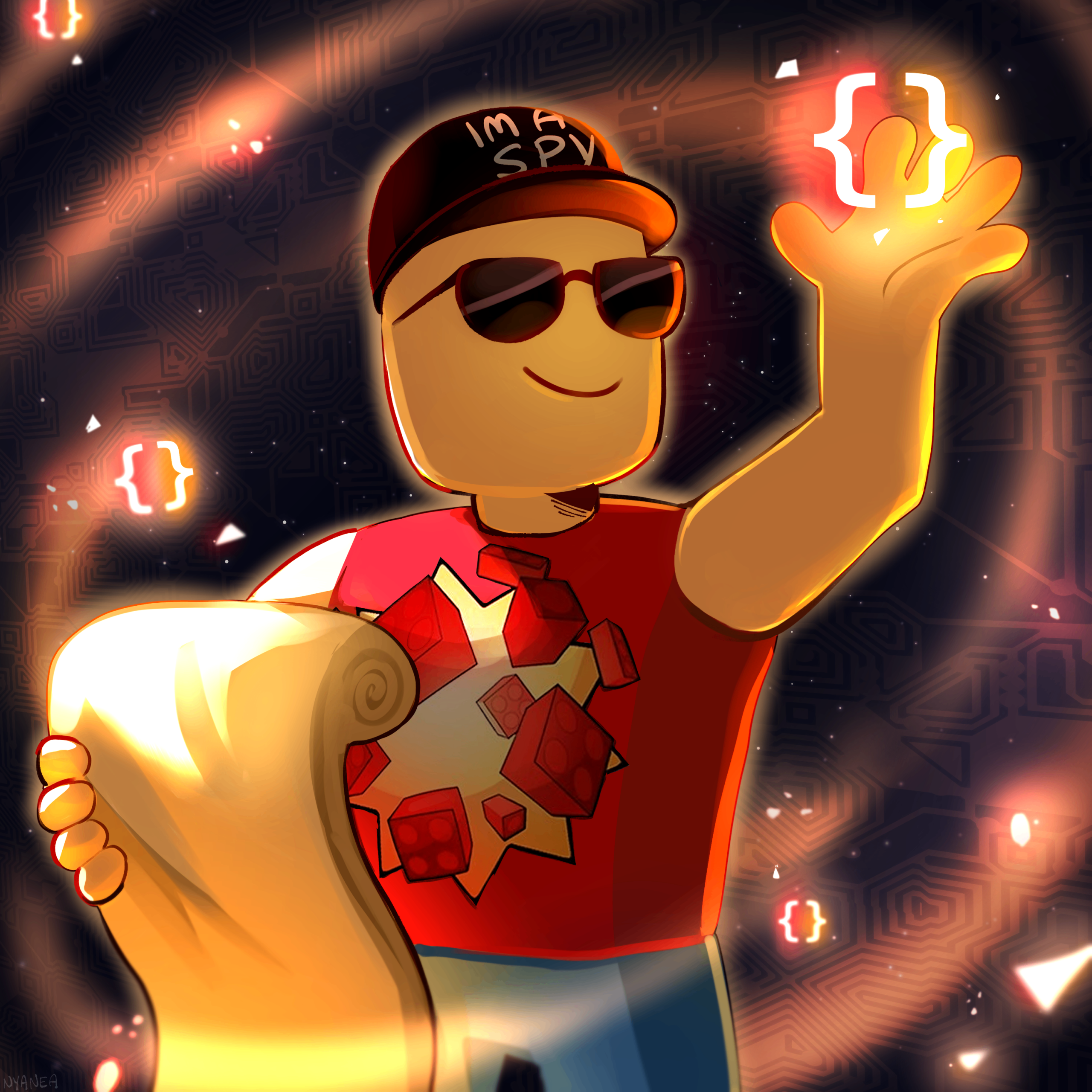
About crusherfire
Who am I?
Since then, I've worked on various side projects, done commission work, contributed to other popular games, and taught thousands of people how to code in Roblox Studio!
You may have also found me through my YouTube channel, where I began creating content about Roblox Development in early 2024.
About CoderActual
Who am I?
I first started programming back in 2012 on Roblox, developing for roleplay groups and random side projects just for fun. Even though it began as a hobby, it quickly turned into a long-term passion for creating things with code. That eventually led me into professional web development from 2017 to 2022, where I worked with languages like JavaScript, PHP, and Java.
Today, I’m working toward my Bachelor’s in Computer Science with a minor in Project Management, sharpening both my technical skills and my ability to build games in a smart, organized way.
Our Goal
We believe game development education should be clear, practical, and beginner-friendly. We want you to succeed in Roblox game development, and we’re here to guide you every step of the way.
We’ve put a lot of time and effort into curating this course, even learning new things ourselves along the way, and we hope you get as much value and benefit from the course materials as possible.
What's in the Full Release?
The Full Course Roadmap
By the time the course reaches full release, you'll have 25 sections and four complete game projects waiting for you. Enrolling now locks in access to every section as it ships, at one fixed price, with nothing extra to pay later.
Here's the path ahead:
Lock in Early Access pricing now!
$49.95
Early access
Frequently Asked Questions
Who is the mastery course for?
The mastery course is designed for anyone interested in Roblox scripting, from complete beginners to seasoned developers.
Each lesson explains how and why things work, starting at the fundamentals and moving into more advanced APIs and systems.
Even if you’re a seasoned developer, we bet you’ll still learn something new!
What makes this course different from other courses or YouTube tutorials?
Every section pairs teaching with hands-on projects so you’re actually building things, not just watching someone else do it.
Our goal here is to break you out of tutorial hell.
You could piece together Roblox documentation, DevForum posts, and scattered YouTube tutorials on your own, but that means constantly adapting to different teaching styles and filling in the gaps yourself.
We’ve built a single, structured learning path so you don’t have to.
Plus, you’ll pick up niche tricks and edge cases from years of working in Studio, which is the kind of stuff that doesn’t show up in documentation.
And then there’s the community, which is a solid group of students and developers who’ve been helping each other for years. That’s not something you’ll find in a YouTube comment section.
What's the difference between early access and full release?
These are the two release stages of the mastery course:
- Early access (now):
- The course is open for enrollment at a discounted price. The first 2 sections are available immediately, with new sections releasing section-by-section over time.
- Full release:
- All 25 sections are live, including 4 complete game projects. The course moves to its final price.
Enrolling during early access locks in your discounted price and grants you every new section as it releases at no extra cost.
How much will the full release cost?
As new sections are added over time, the course price will increase.
The full release pricing is planned to be 99.95 USD, though this is subject to change.
How long will the full release of the course take?
This is hard to estimate, so we cannot give a final ETA.
The workflow is to finish a new section and then add it to the mastery course, section-by-section, until the course is fully completed.
Do you offer coupons for the mastery course?
Absolutely! Keep an eye out on social media channels for coupon opportunities, especially in our Discord server!
I live in a low-income country and the course is too expensive, how can I enroll?
We hear you and understand your situation!
Roblox is a great opportunity for people who live in low-income regions to drastically improve their quality of living and support their families.
Please reach out via email on the Contact Page, select Low-Income Inquiry, let us know your country of residence, and we’ll work something out.
We don’t want finances to be a hindrance to your learning potential.
What is your refund policy?
We’re confident you’ll love the mastery course, but if it’s not the right fit, please reach out within 30 days of your purchase through the Contact Page and select Refund Inquiry, and we’ll make it right ASAP! Read our Terms and Conditions for more details.
If you do request a refund, we’d love to hear why. Your feedback helps us keep improving the mastery course for everyone.
For gifted courses, refunds are available as long as the recipient hasn’t accepted and revealed the gift yet.
Still have questions?
View all FAQs ->